
Clean up your photos before you sort them.
Skimrr finds the duplicates and the shots that missed focus, hands you the evidence, and lets you decide. Your photos never leave your computer.


- macOS 11+
- Windows 10+
- Linux
- Free to scan
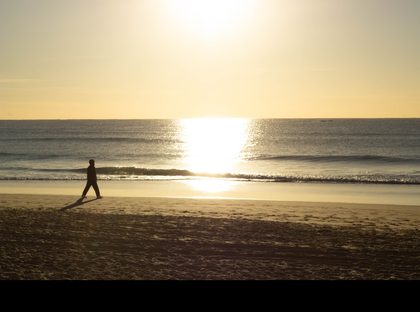 KeptDSC04812.ARW
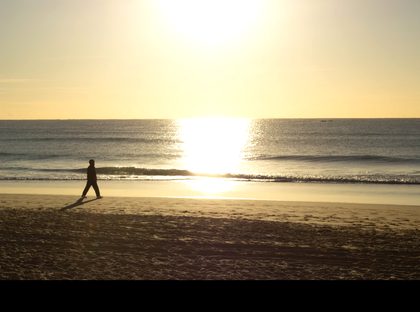 KeptDSC04812.jpg
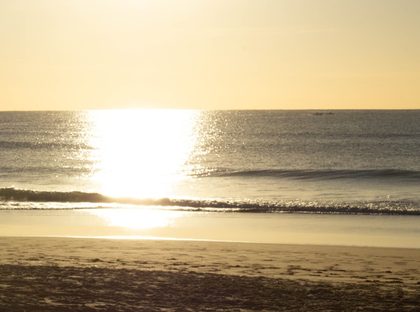 KeptDSC04815.jpg
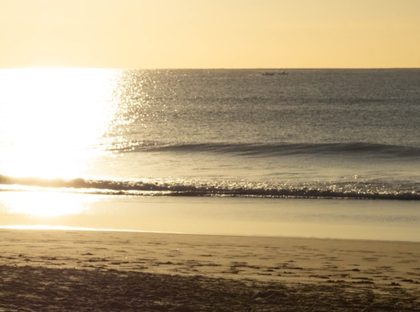 KeptDSC04829.jpg
Photo Harry Truong
Every library has the same three problems.
They pile up quietly, and no amount of sorting by date fixes them.
The same photo, three times
One import from the phone, one from the card, one from a backup you were not sure about. Byte-identical copies, sitting in different folders.
Bursts you never went back to
Twelve frames of the same moment. One of them is the good one, and it has been eleven months since you looked.
Shots that missed
Focus on the wall behind, a hand that moved. Kept anyway, because deleting photos one by one is nobody's evening.
Duplicates
Exact copies, and the near-misses too.
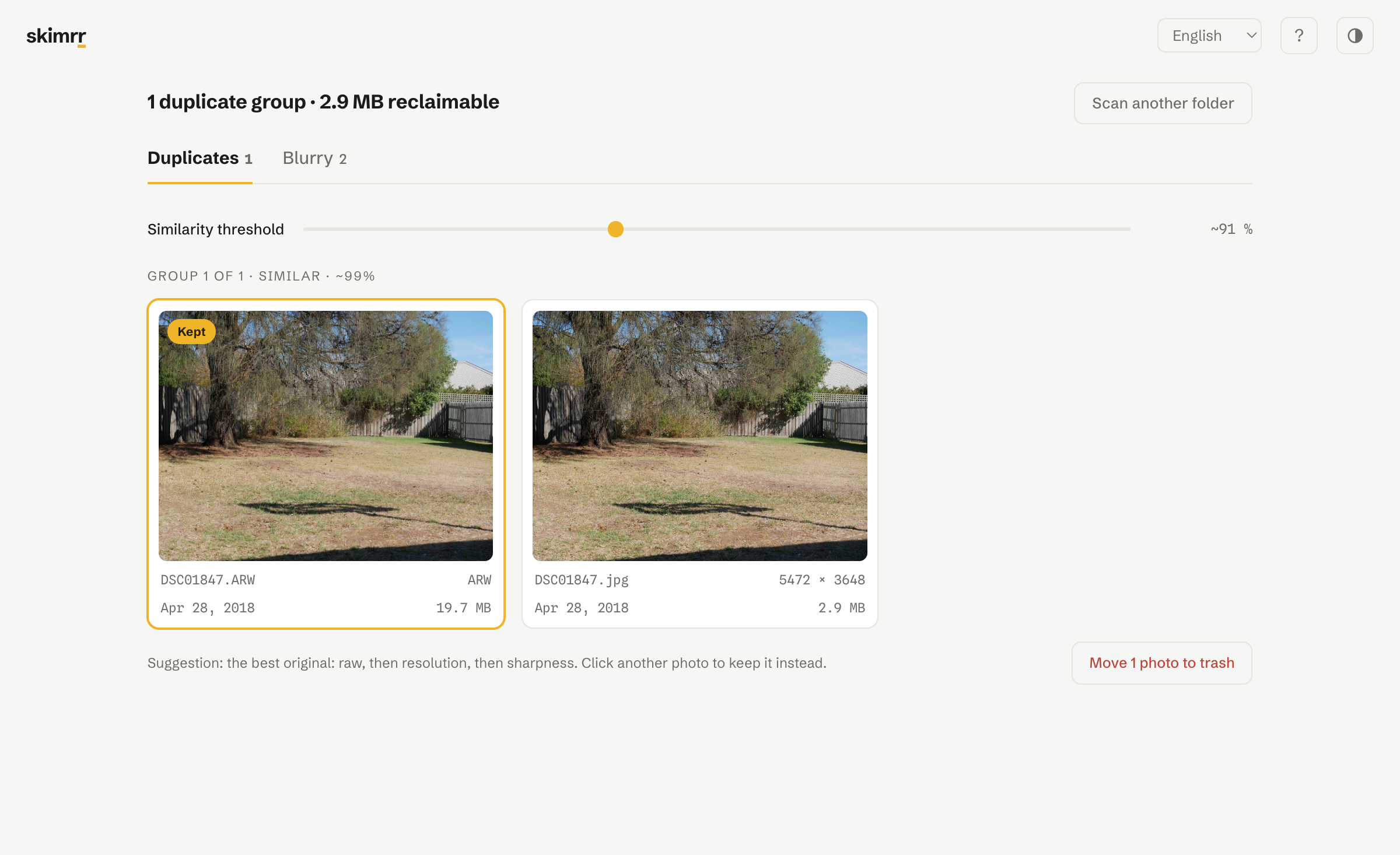
Identical files are matched by their fingerprint, so there is no guessing. Resized, re-exported or lightly edited versions are matched by what the picture looks like, so a raw and its JPEG export land in the same group.
Skimrr suggests the best original to keep: the raw before the export, then resolution, then sharpness. The suggestion is never imposed. One click moves it to any other photo in the group.
Bad shots
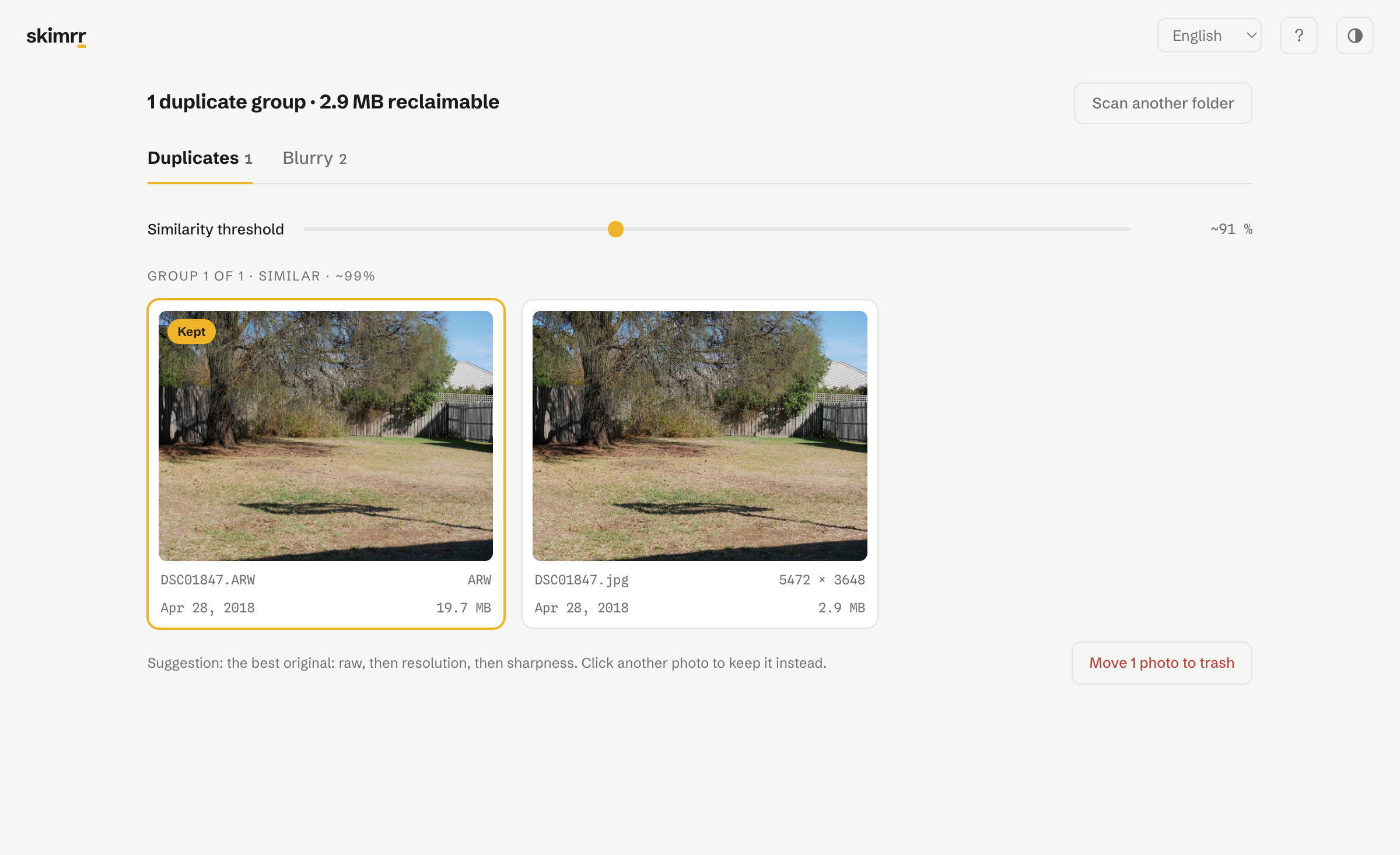
Four ways to miss a photograph, told apart.
Blur, closed eyes, underexposure, overexposure. Each is measured for what it is rather than blended into one score: a dark frame and a soft one are not rescued the same way, and are not thrown out for the same reasons. A 233 KB face detector runs on your own machine for the ones with someone in them.
Sharpness is measured tile by tile and the score kept is the sharpest region's: a portrait against a melted background is not a failure, and Skimrr does not treat it as one. Thresholds calibrate on your folder rather than on an arbitrary number, and the tool would rather say nothing than flag the wrong thing.
Reviewing
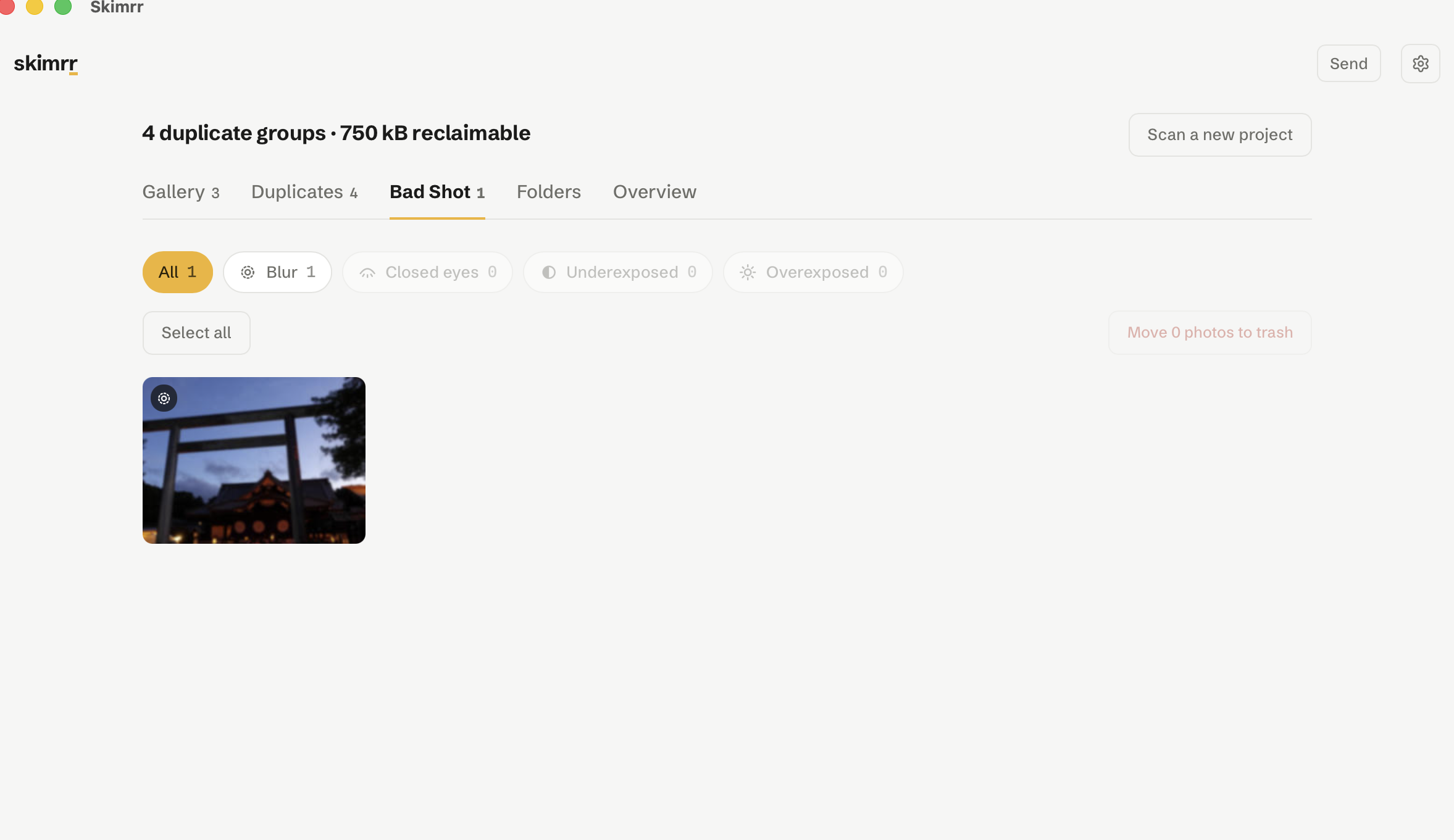
Your trip, one day at a time.
Skimrr opens on a gallery of the folder grouped by the day each photograph was taken, so you choose where to start instead of being handed a list of faults. Pick a day and the duplicate and blur views narrow to it.
Side by side, at full pixels
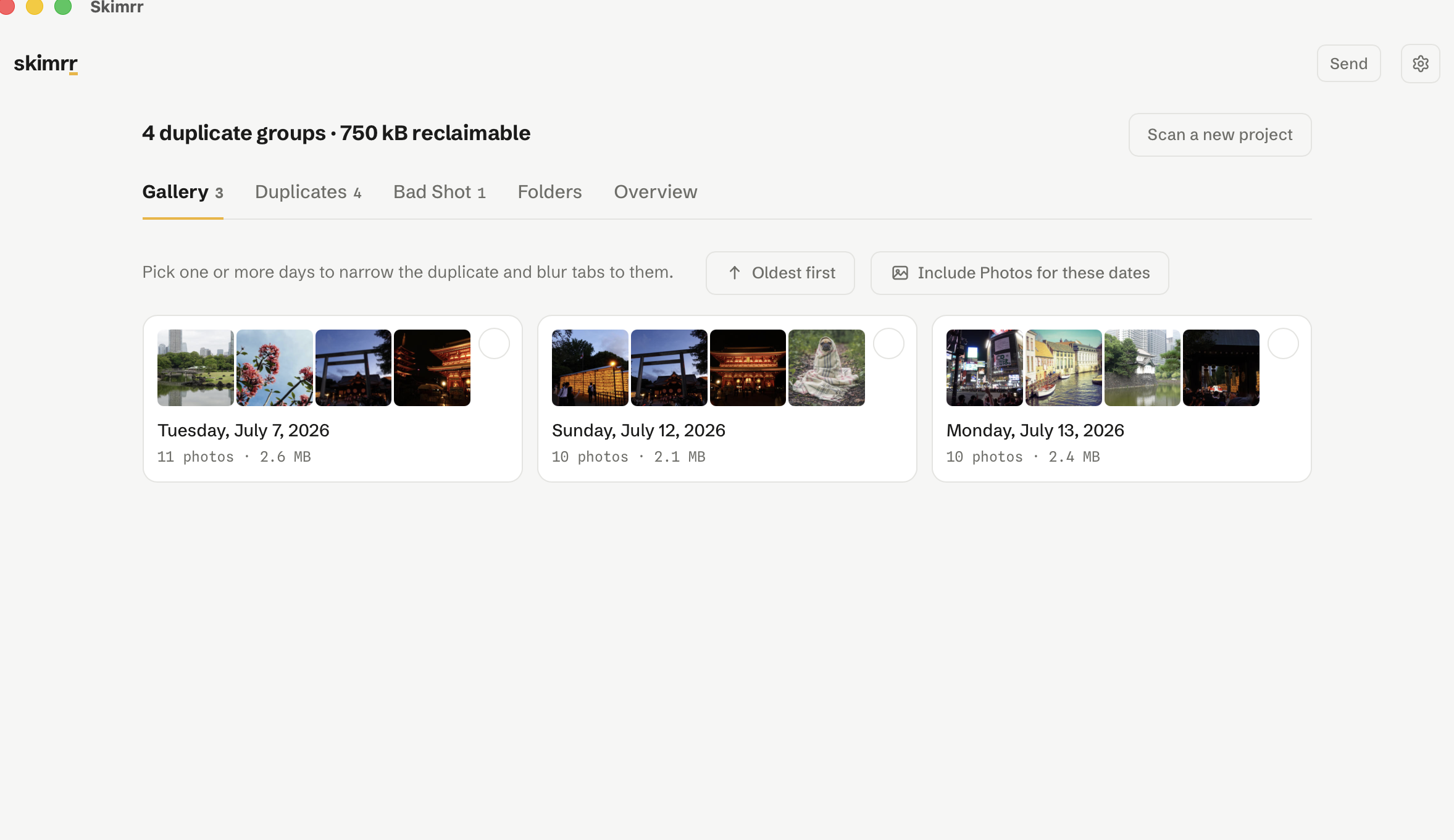
Open a group in a two or four pane view where one zoom moves every pane at once. Four frames of a burst look identical until you are at 200 % on the same eye, which is the only way to tell which one is sharp.
Judged twice
A fingerprint proposes the groups, then a small vision model reviews every one and drops the members that turn out to be different photographs. On a real trip folder the review cut the loosest setting from 70 photographs to 23, all of it on your own machine.
Everything at a glance
An overview panel counts what the folder is made of, what it would free, and how it splits by format and by year. A world map shows the countries your photographs were taken in.
Projects
Your whole sort fits in one file.
A .skimrr file holds what Skimrr found: the duplicates, the bad shots, what you decided to keep. It opens on any computer, macOS, Windows or Linux, and you can send the previews along with it, or the photographs themselves.
Password-protected if you want it to be, with Argon2id over XChaCha20-Poly1305, and nothing ever leaves your machine. On opening, Skimrr recognises your photographs by their contents: a file that was renamed or moved is found anyway, and a file already sitting there is never overwritten.


See it run
Two minutes, one folder.
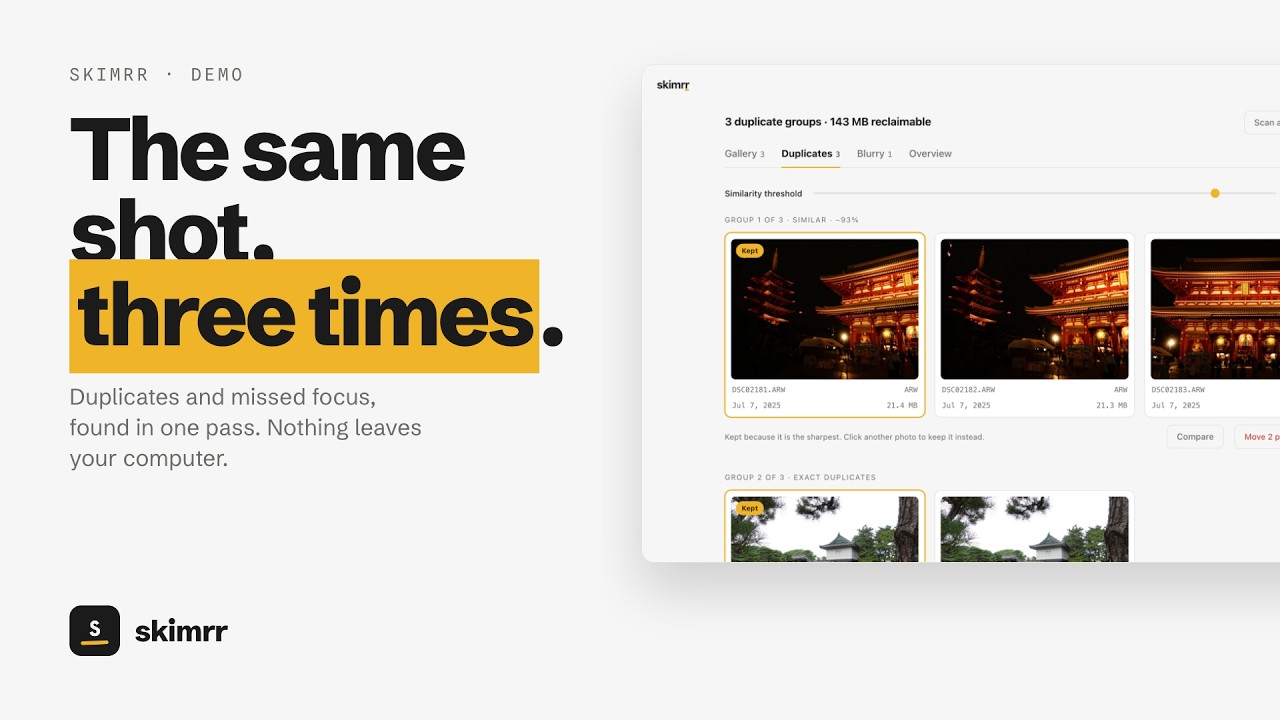
A real folder, scanned and cleaned end to end.
It touches your memories. It behaves accordingly.
Nothing is uploaded
No account, no cloud, no telemetry. Your photos are read on your machine and stay there. Only activation contacts the network, once, then about once a month.
Nothing goes without being seen
Before a single file moves, the whole batch is shown as a grid: every filename, every size, the space you will free. Click any photo to pull it back out.
Nothing is ever really gone
Files move to a local trash you can browse and restore from, file by file, back to their exact original folder. Only emptying it deletes anything.
Launch price
$19.99, once.
Questions
Which formats does it read?
JPEG, PNG, HEIC, WebP, GIF, BMP, TIFF, and camera raw: ARW, CR2, CR3, NEF, ORF, RW2, RAF, PEF, DNG. Raw files are read through the full-size preview they already contain, which is fast and matches what you framed.
Does it need an internet connection?
Only to activate. After that Skimrr works entirely offline; it quietly re-checks the licence about once a month if a connection happens to be there, and never stops working when there isn't one.
What if I change computer?
A licence covers 3 devices, and you can release one from inside the app to free the slot. No email needed.
Can it delete something by mistake?
Skimrr never deletes on its own. It moves files to its own local trash, after showing you the batch, and you can put them back. Emptying that trash is a separate, explicit action.
Is there a refund?
Yes, 14 days, no questions. Write to us and we refund through Lemon Squeezy.