
Blurry photo finder
Find the blurry photos in a folder
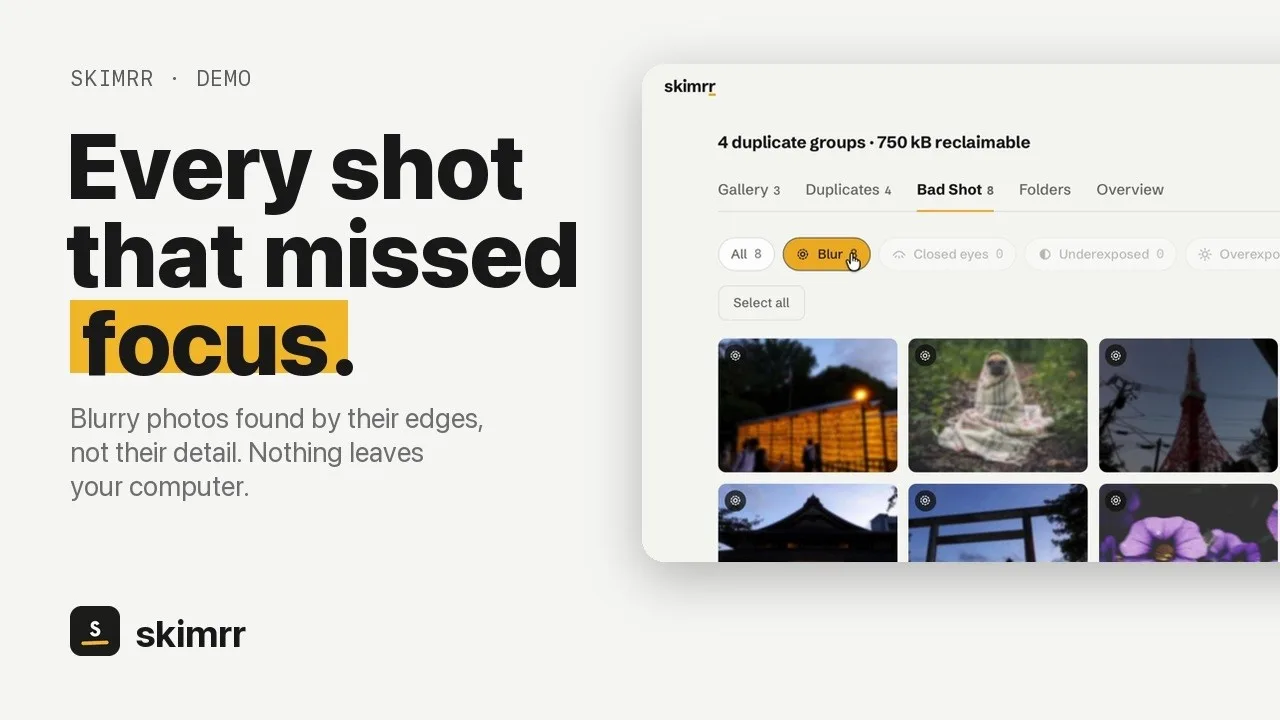
Skimrr scans a folder of photographs on your own computer and lists the shots that missed focus, with closed eyes and bad exposure as separate filters. You look at each one before anything moves, and nothing is ever uploaded.

Three steps
1. Choose a folder
A memory card, a trip, a whole year. Skimrr reads JPEG, HEIC and the RAW files of most cameras, on macOS, Windows and Linux.
2. Open Bad Shot, then Blur
Photos that missed focus are listed. Closed eyes, underexposure and overexposure have their own filters.
3. Decide, then move
Open any photo full size before choosing. Removed photos go to a trash inside Skimrr, and one click puts each back in its original folder.
Why it gets blur right
The subject decides, not the background
Only the sharpest part of each photo counts, so a portrait with a soft background is not flagged while the eyes are sharp.
Edges, not detail
Night shots and foggy landscapes hold less detail than a sunny street, but their edges are just as crisp when the focus is right. Skimrr measures how sharp the edges are, so a scene with little detail is not mistaken for a soft one. A photo shaken sideways can still slip through.
Duplicates in the same pass
The same scan groups copies and near-identical frames, and suggests the best original of each group: the RAW before the export, then resolution, then sharpness.
Nothing leaves your computer
No account, no upload, no cloud. The only network request is the licence activation, which carries no image data.
Questions
- Is the blurry photo finder free?
- Scanning a folder and reviewing every flagged photo is free, with no time limit and no account. A licence ($19.99 once, up to five devices) is needed only to move files.
- Does it work on Windows and Linux?
- Yes. macOS 11 or later, Windows 10 or later, and Linux as an AppImage, a .deb or a .rpm. One licence covers all three.
- Can it read RAW files?
- Yes: ARW, CR2, CR3, NEF, ORF, RW2, RAF, DNG and more are read directly, alongside JPEG, PNG and HEIC.
- Will it delete my photos?
- No. Photos you remove go to a trash inside Skimrr, browsable and restorable one by one. Only emptying that trash deletes them.
- Can it fix a blurry photo?
- No. Skimrr finds blurry photos so you can decide what to keep; it does not edit or sharpen them.